

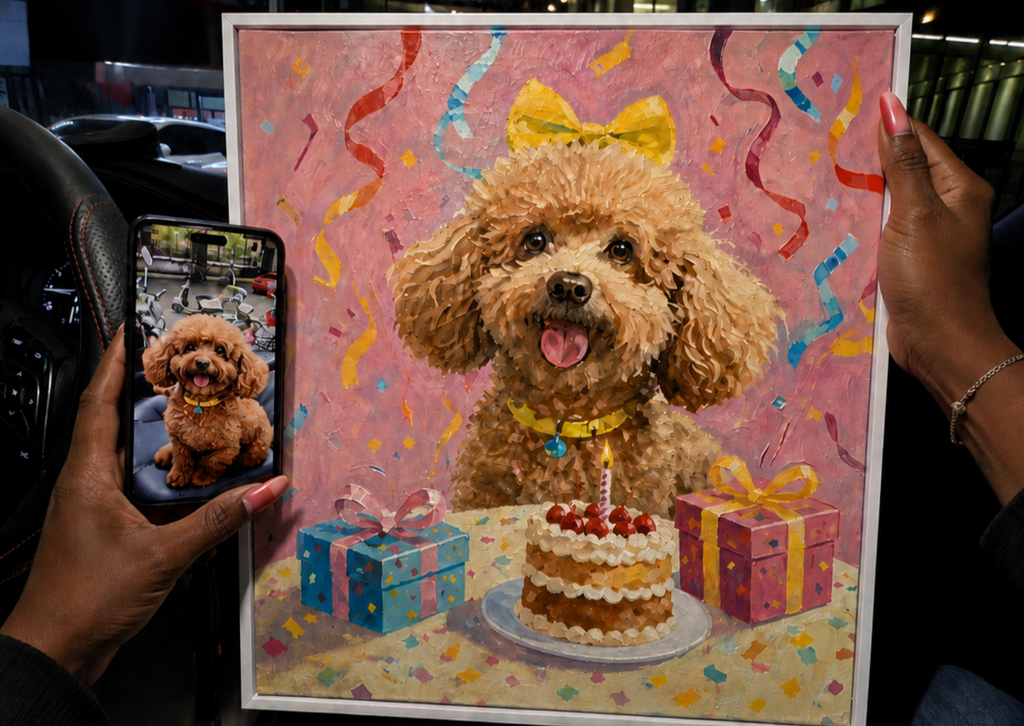
Can I Use an Old or Blurry Pet Photo for a Portrait?
An old or slightly blurry pet photo may still work for a custom portrait if the pet’s face, expression, coloring, and key marking are recognizable. The best result depends less on whether the image is perfect and more on whether it contains enough reliable visual information. If the photo is severely blurred, very small, or partly blocked, send additional reference photos when possible.
1. What makes and old photo usable for a pet portrait?
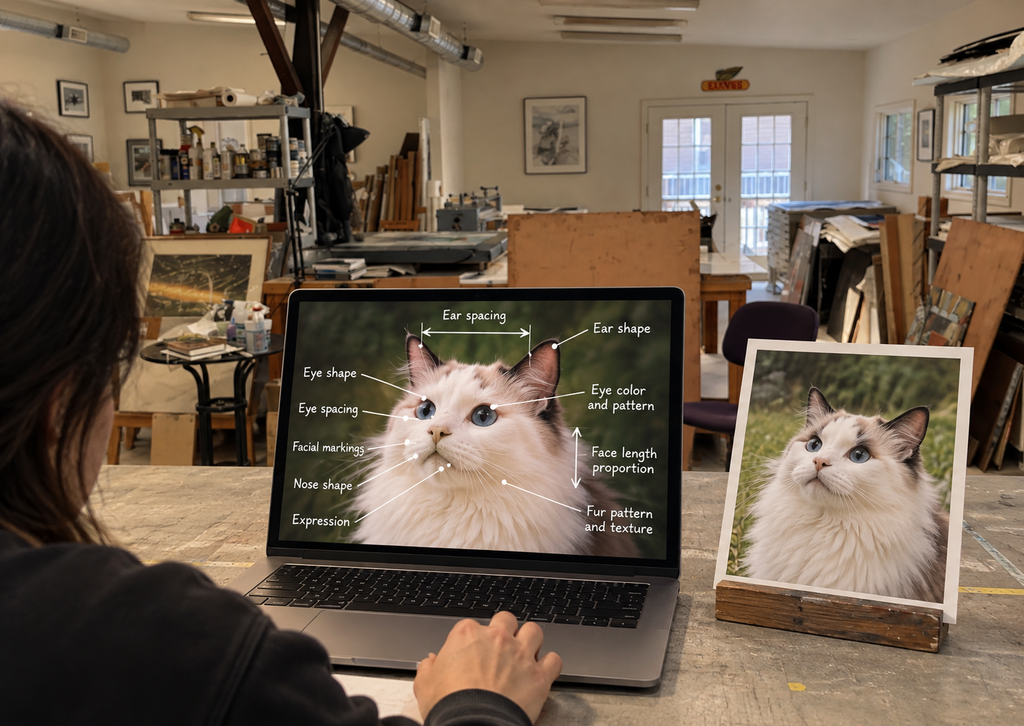
A portrait artist needs to understand what makes your pet look like your pet. Before submitting an older image, check whether you can still identify these features:
- The shape and position of both eyes
- The outline of the nose and muzzle
- The ears, including any folds or uneven positions
- Important coat colors, patches, stripes, or spots
- The pet’s typical expression
- The outline of the head, neck, and chest
Faded color is often less limiting than missing detail. An artist can work with an aged color cast when the underlying shapes remain visible. Blur across the eyes and muzzle is more difficult because those areas carry mush of the pet’s identity.
Quick photo-quality check
| PHOTO CONDITION | LIKELY USEFULNESS | BEST NEXT STEP |
|---|---|---|
| Slightly soft but face is recognizable | Often workable | Upload the original file, not a screenshot |
| Faded or yellowed print | Often workable | Scan or photograph it in even light |
| Small image from an old photo | May be workable | Send the original file and extra references |
| One eye or ear in hidden | Depends on the composition | Add another photo showing the missing feature |
| Strong motion blur across the face | Limited | Look for a sharper photo from the same period |
| Face is tiny in the frame | Limited | Crop only for preview; Also send the uncropped original |
| Heavy filter or sticker covers the pet | Usually unsuitable | Find an unedited version if possible |
2. Can a blurry pet photo be sharped?
Minor softness can sometimes be cleaned up, but sharpening cannot reliably recreate details that were never captured. A tool may makes edges look crisper, yet it cannot know the exact shape of a hidden eye, a missing patch of fur, or a marking lost to motion blur.
For that reason, avoid using aggressive enhancement apps before uploading. They can add artificial fur, alter eye shapes, or smooth away distinctive markings. The untouched original gives the artist a more honest reference.
3. How should I digitize an old printed pet photo?
If you have a physical photograph, a flatbed scan is usually the cleanest option. If a scanner is not available, place the print on a flat surface near a window and photograph it from directly above.
Use these steps:
- Remove the photo from glass if it can be done safely.
- Wipe dust from the surrounding surface, but do not apply liquid to the print.
- Use bright, indirect light from both sides when possible.
- Hold the phone parallel to the photo to avoid distortion.
- Turn off flash to prevent glare.
- Save the image at the highest available quality.
- Send the full image rather than a compressed screenshot from social media.
If the only copy is inside a frame or album that should not be disturbed, photograph it at a slight angle to control reflections, then include a second image showing the full print.
4. What if I only have one photo of my pet?
One meaningful photo can be enough when the face and markings are clear. If it is incomplete, other images can still help even when they are not suitable as the main composition.
Useful supporting references include:
- A side view that shows the ear shape
- A brighter photo that confirms eye color
- A full-body image that shows coat pattern and proportions
- A casual snapshot that captures the pet’s usual expression
- A photo from a similar age or grooming stage
Label which image should control the pose and which images are only references. This prevents the artist from combining details from different ages or appearances unintentionally.
5. Can the background, leash, or other distractions be removes?
Background cleanup is often easier than rebuilding missing facial detail. A custom portrait may be able to simplify a room, remove visual clutter, or isolate the pet against a clean background. However, an object covering the face, chest, or ears may hide information that the artist needs.
When submitting the image, describe what should stay and what may be removed. Keep the request specific, such as “remove the red leash but keep the blue collar.”
6. How do I choose between several imperfect photos?
Choose the image that best captures identity and expression, not simply the image with the highest resolution. A technically sharp photo can still be a poor reference if the expression feels unlike the pet.
Use this order of priority:
- 1.A recognizable expression
- 2.Clear eyes, nose, ears and markings
- 3.A useful pose and angle
- 4.Even lighting
- 5.File size and sharpness
- 6.A simple background
If two photos are close, send both and explain which quality you prefer in each one.
What EverPawCraft’s current portrait guidance recommends a clear, well-lit image with the eyes, face, ears, and important marking visible. For an old or uncertain photo, send the original image and any supporting references before you rely on heavy editing.
You can choose a digital Modern Minimalist pet portrait or a printed Modern Minimalist pet portrait. If you are unsure whether the image contains enough detail, contact EverPawCraft with the photo first.
7. Frequently Asked Questions
Is a screenshot good enough for a custom pet portrait?
It may work, but the original image file is better. Screenshots are often smaller and more compressed, and may include interface elements or cropping.
Can an artist fix closed or glowing eyes?
Small corrections may be possible when another reference photo shows the pet’s natural eyes clearly. Without a reference, the result would require guesswork.
Related post
10
Oct
29
Sep


